Install, prepare your project, and confirm the controller connection.
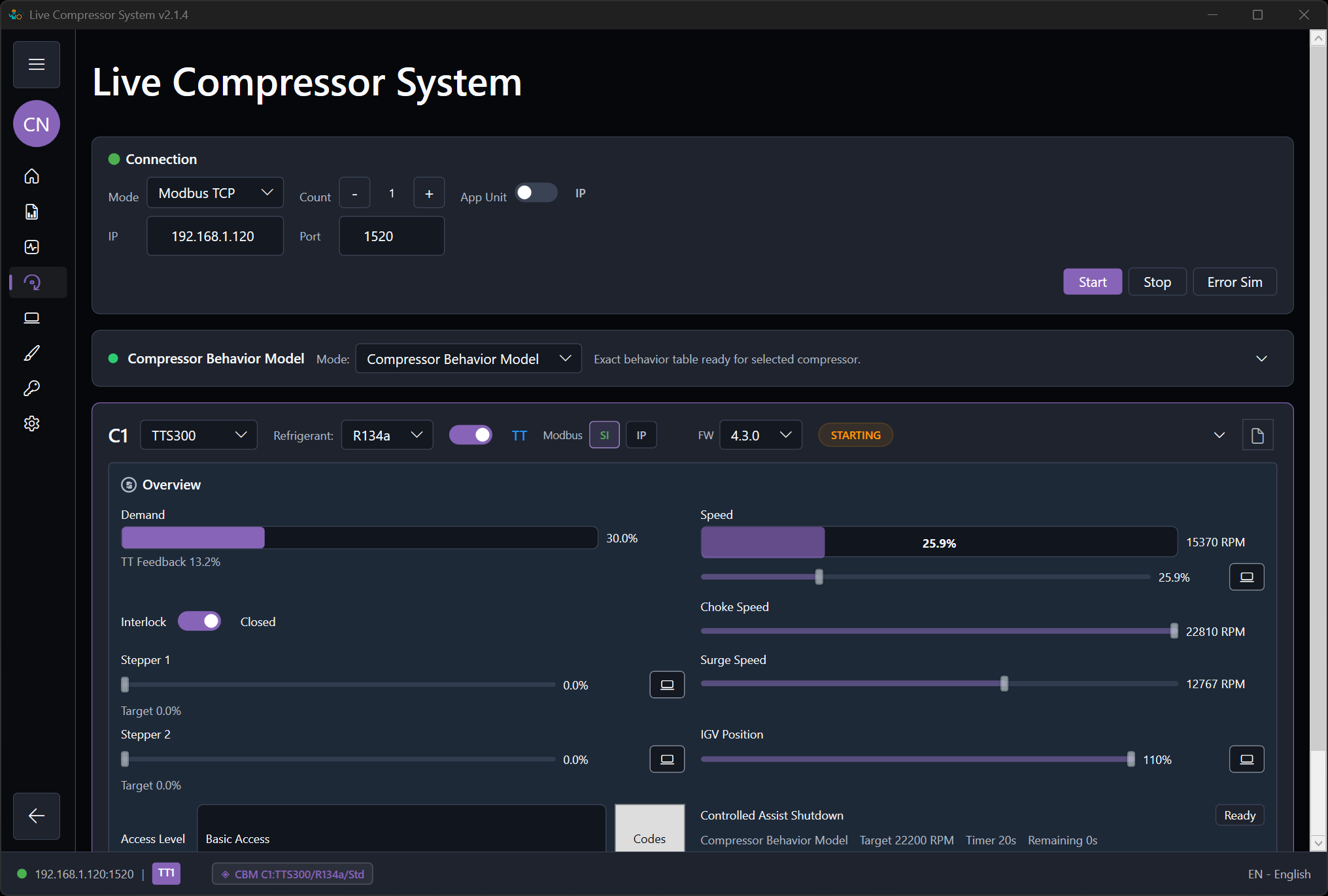
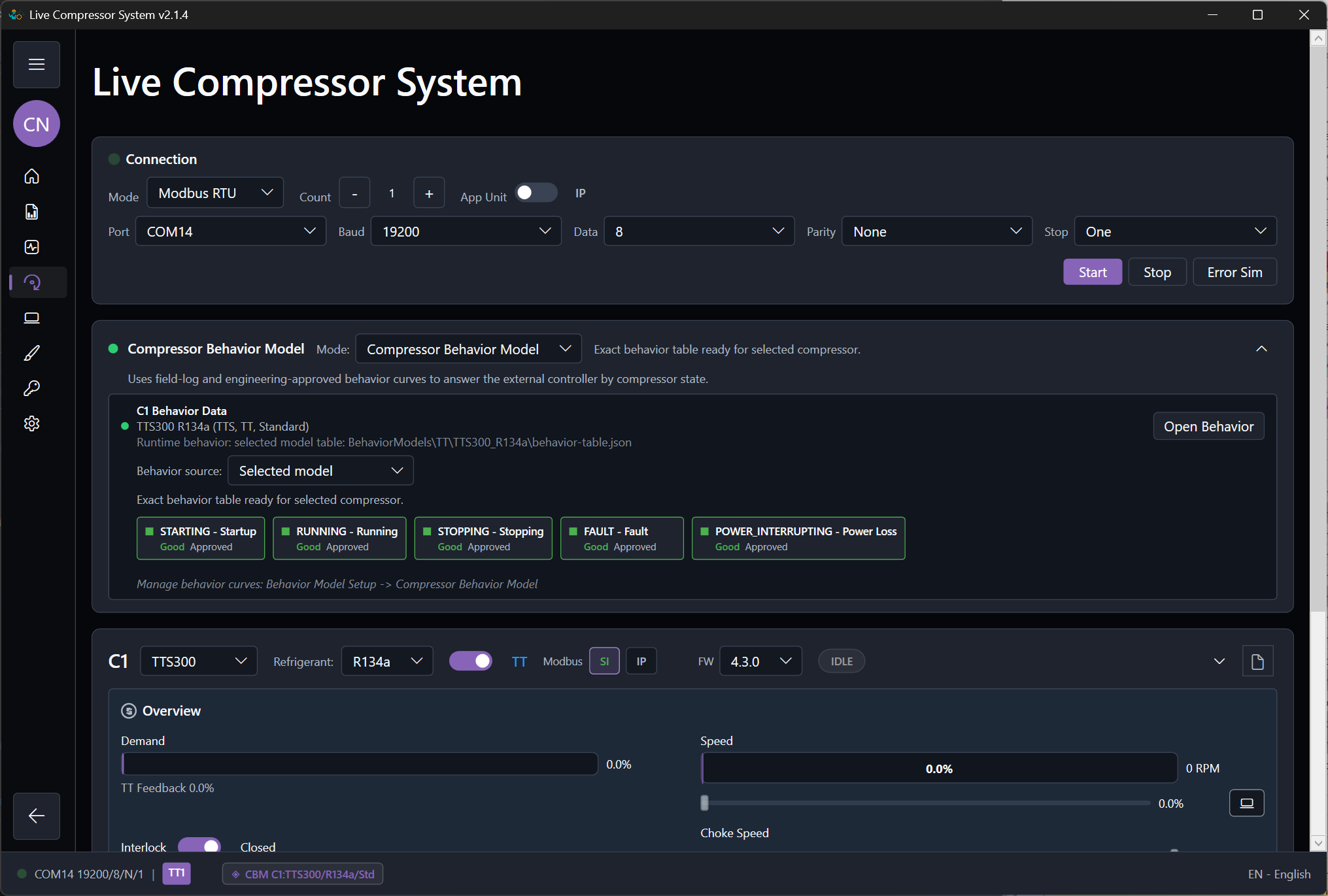
Install ModbusSim, select the devices, bind a physical, virtual, or loopback adapter, and confirm the first controller-facing Modbus endpoint.
Install and open ModbusSim
Request the Windows installer, install it, and open ModbusSim in permanent Starter with all tools. Activate a key only for a paid usage license or the optional Engineering trial.
Select I/O modules and compressors
Engineering authors the device inventory; Starter allows this for learning and evaluation. With Test, open a prepared project. Confirm compressor models, refrigerants, behavior selections, and required I/O modules.
Create the first PLC-facing endpoint
Bind a Modbus TCP endpoint to the intended physical, virtual, or loopback adapter, set the Unit ID and register-map profile, then confirm the external controller can exchange commands and feedback. Use RTU when the project requires a serial path.
Prepare the project before running
Prepare the design and equipment in the draft, then validate, review, and explicitly activate. Confirm the required endpoints and controller readiness before running. Plant configuration does not require communications to be live while editing.
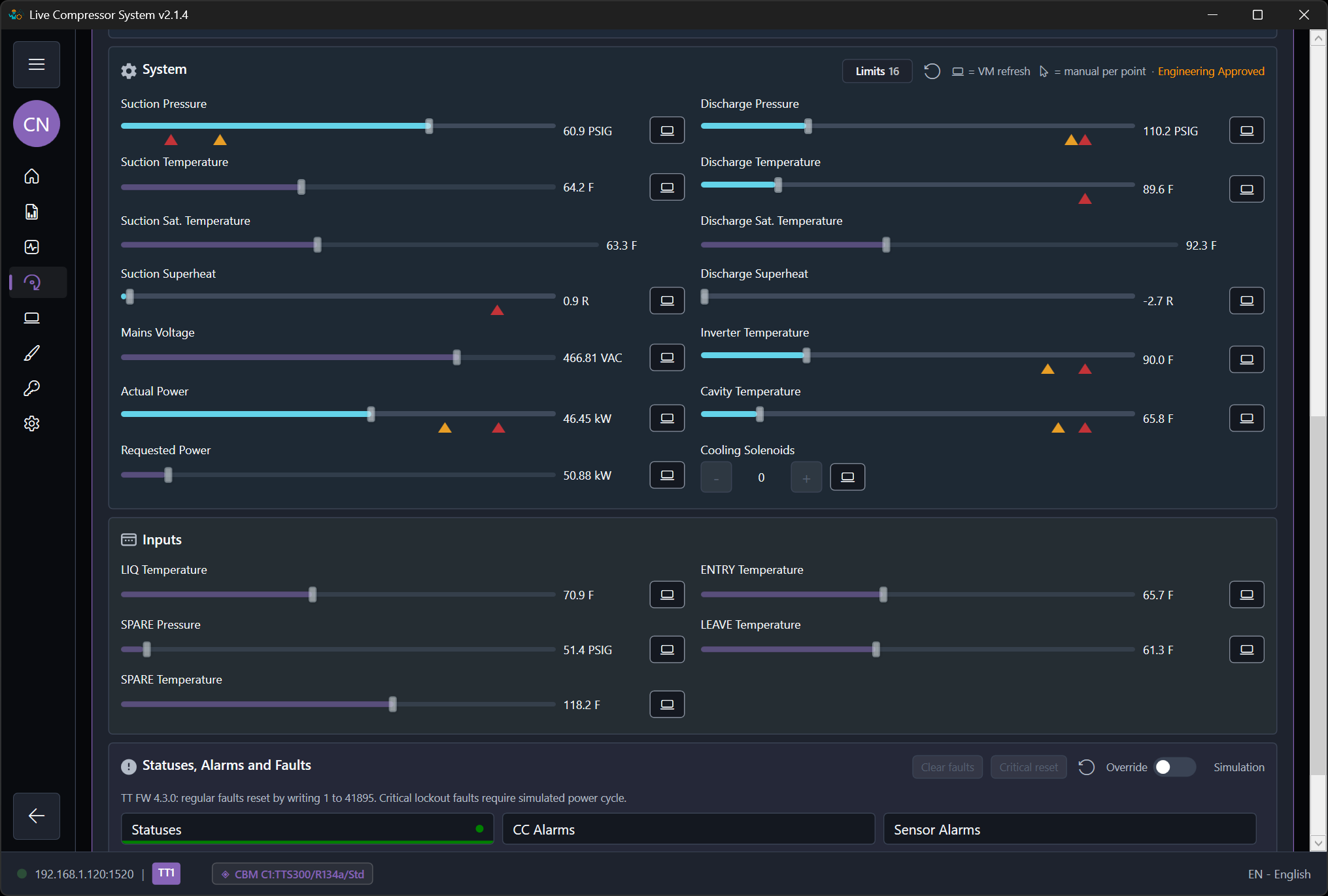
Workflow screenshots
Use the localized application views while following this guide.