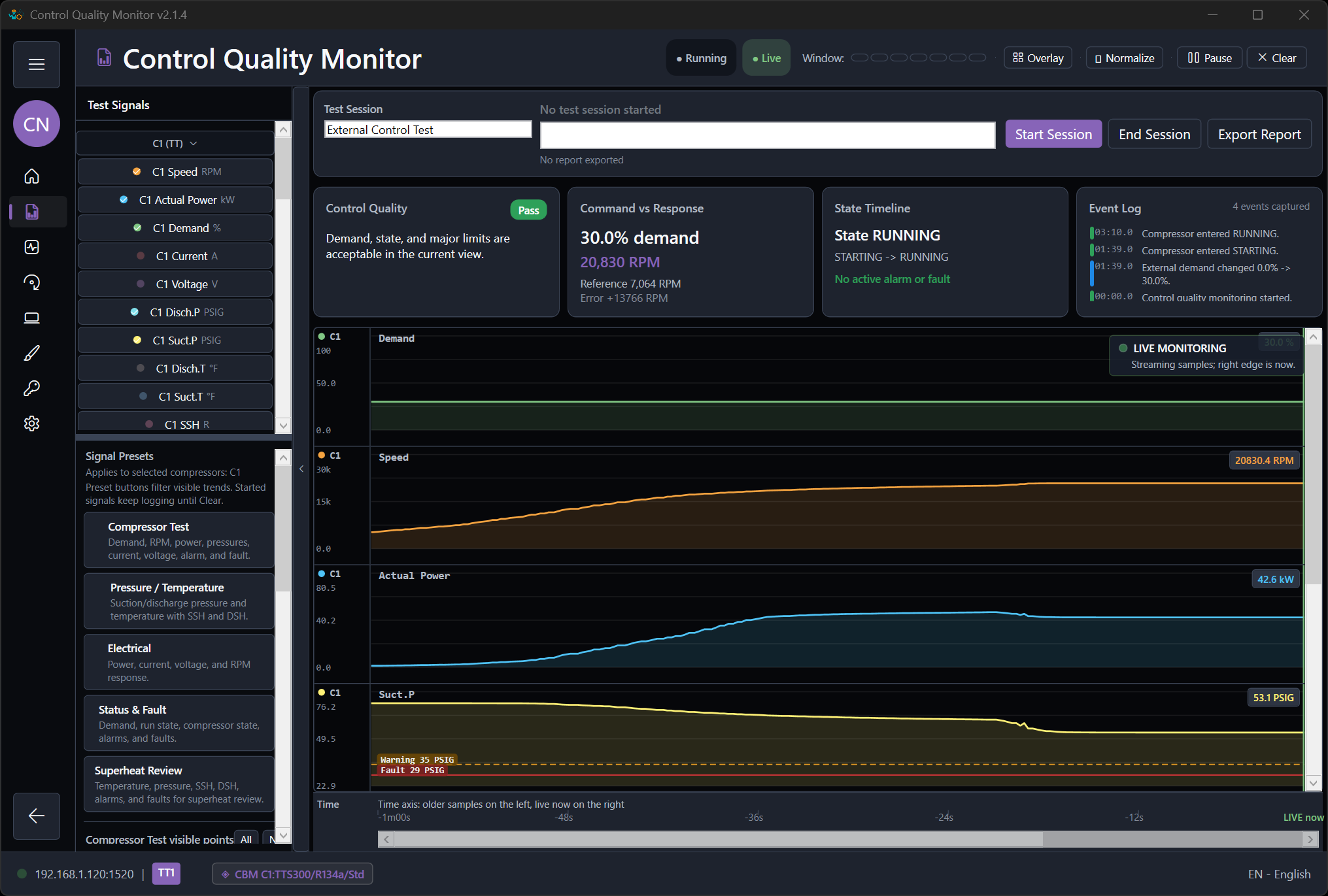
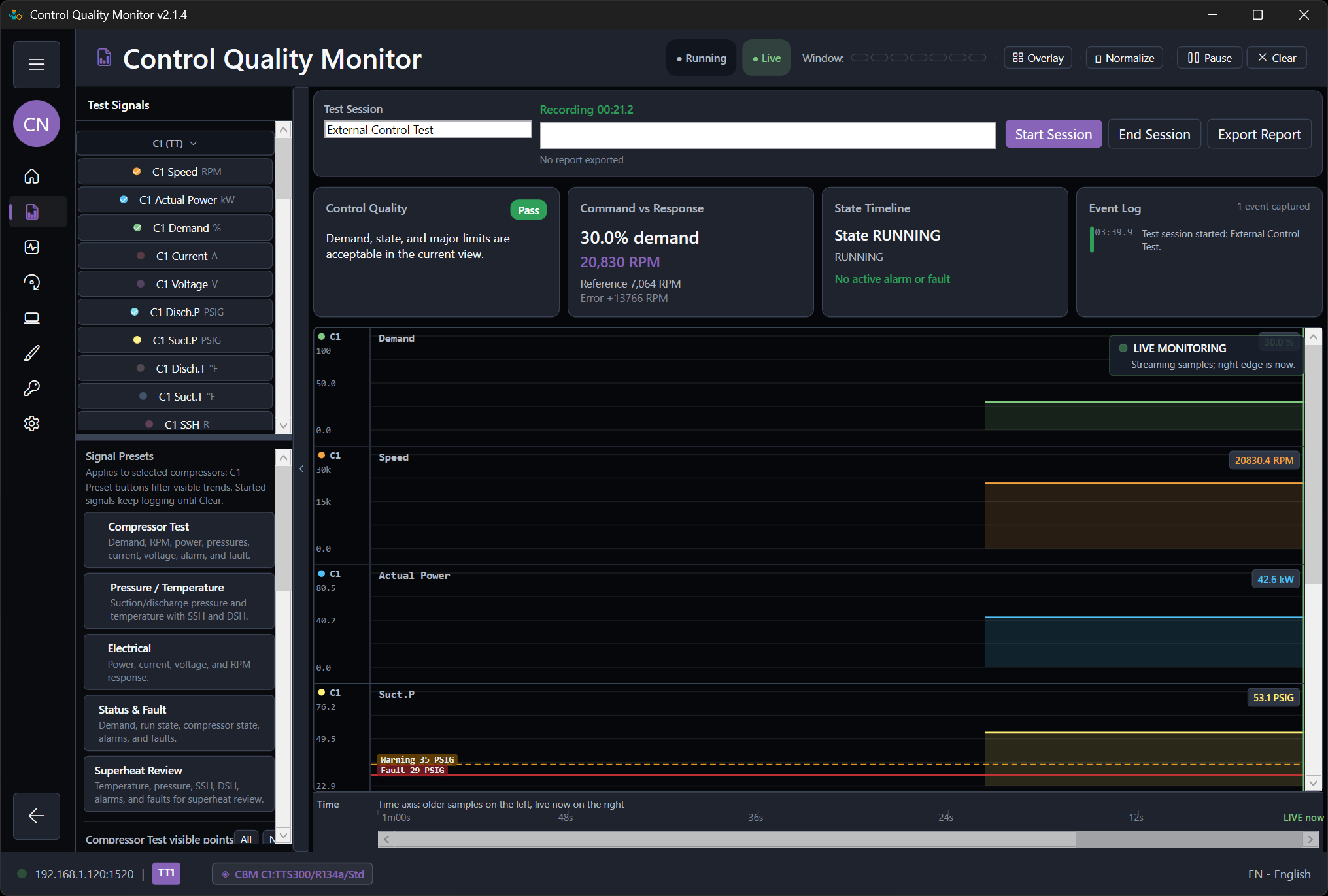
Observe control quality without replacing Plant Test acceptance.
Use Control Quality Monitor for live trends, timing, and event investigation. The Plant Test runner remains responsible for timed phases, measurable criteria, and the acceptance outcome.
Start an observation session after activation
Begin after communication is live, the intended .modbussim project is active, and the controller-to-plant exchange is running. Select only the signals needed for the investigation.
Inspect signals, timing, and events
Compare commands with feedback, circuit and economizer behavior, transitions, warnings, faults, and resets. Use the view to explain behavior while the current project's Plant Test records the formal result.
Export supporting observations
Save useful monitor traces and notes with the final .modbussim project, I/O map, application version, expected result, actual result, and Plant Test evidence bundle.
Workflow screenshots
Use the localized application views while following this guide.